Click magnify button in top-left corner of map (next to Map / Satellite), then:
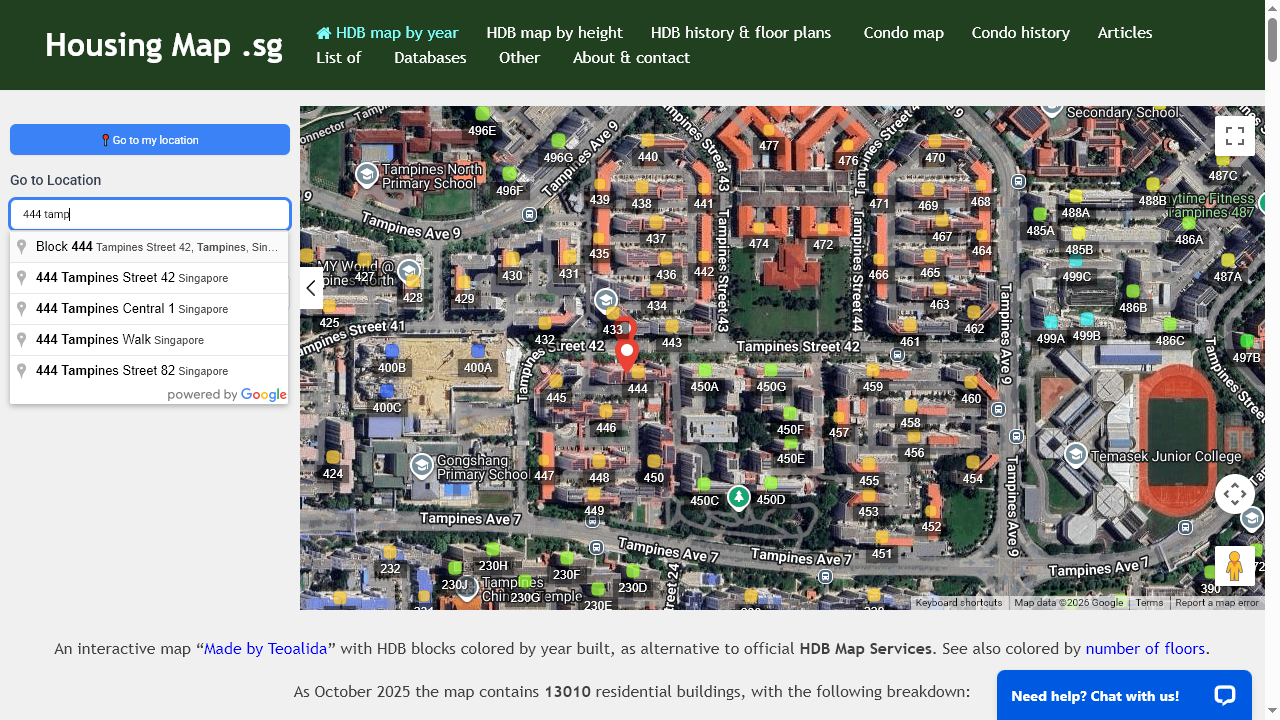
Go to location is Google Maps feature to navigate to a specific address, town, block number, street name or postal code.
Go to my location is accurate if you have GPS enabled, otherwise will be approximative based on your IP address.
Filter by is a feature built by us to display only blocks containing specific info from HDB Database.
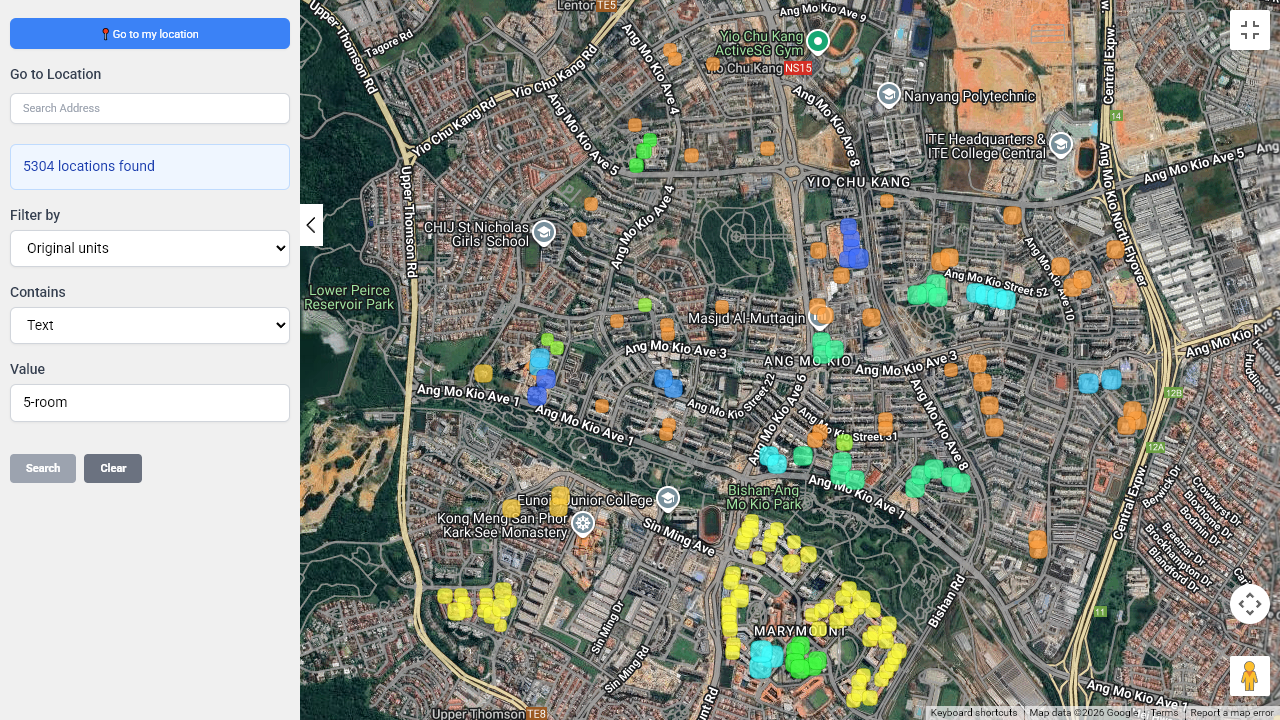
Units
Contains: type 1-room, 2-room, 3-room, 4-room, 5-room, executive, studio, etc, to see blocks having a particular flat type. Choose original units to exclude 5-room and Executive formed by adjoining 3-room and smaller flats, or current units to exclude them.
Numerical range: type minimum and maximum to shows blocks with number of flats within specific range.
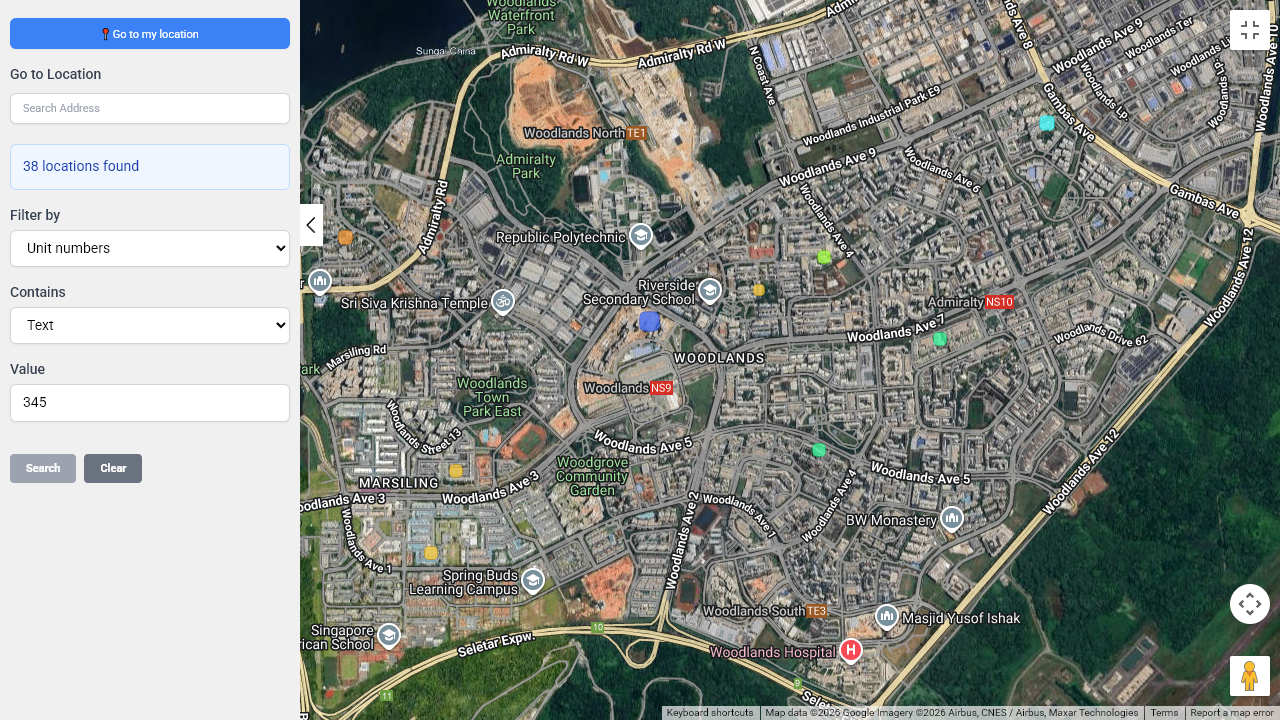
Unit number
Contanis: type stack number, example: 345, not #12-345 to see in which block that unit is located (available for recent blocks, most blocks built before 2005 do not have unit numbers in database).
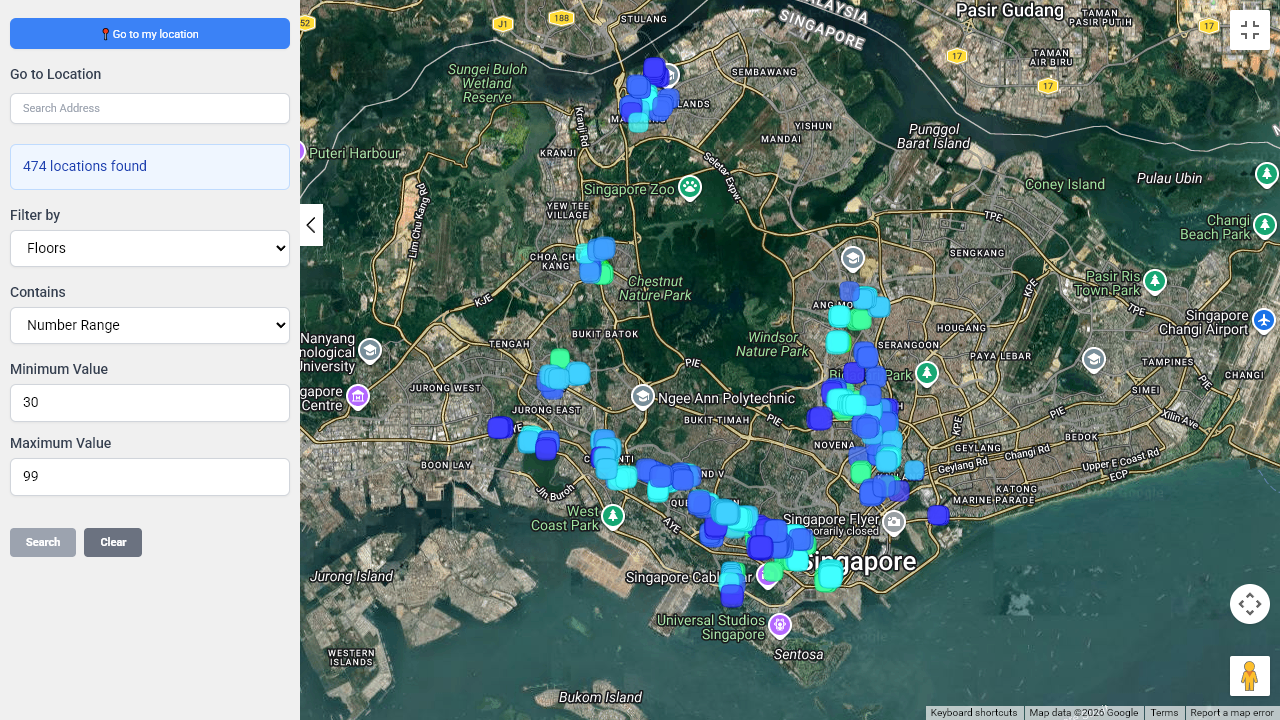
Floors
Numerical range: type minimum and maximum to shows blocks with specific number of floors.
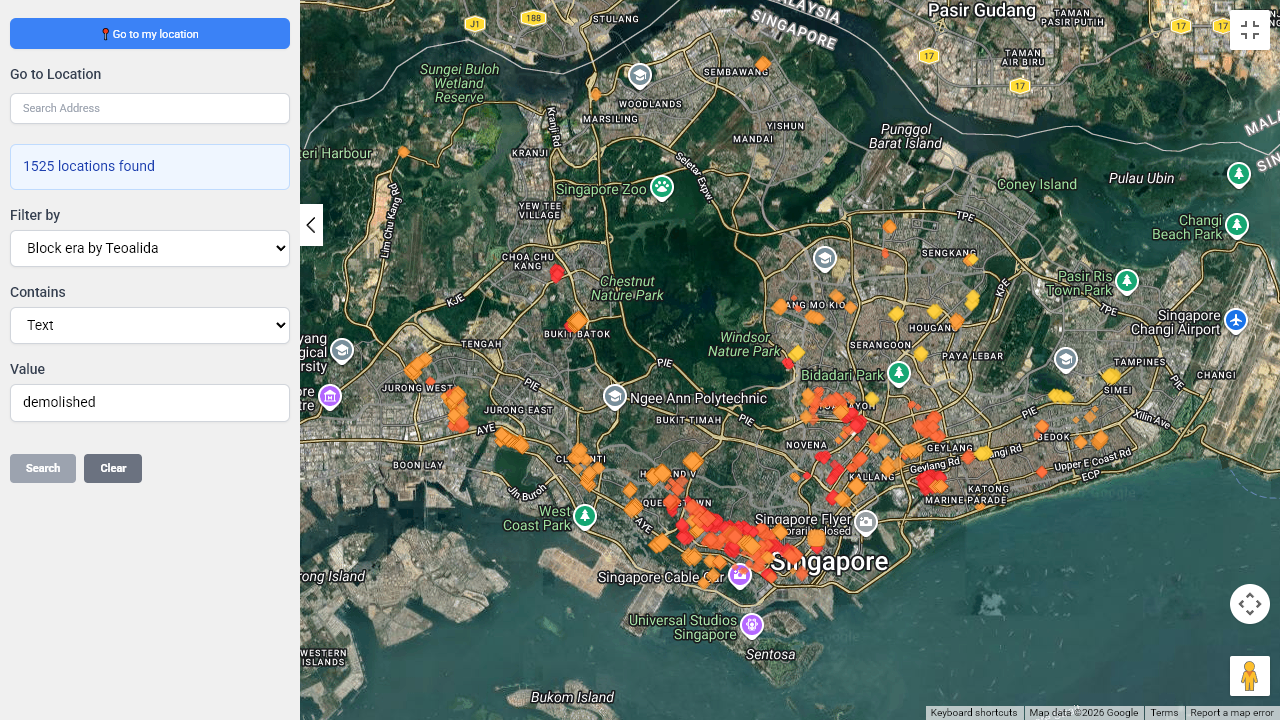
Block era
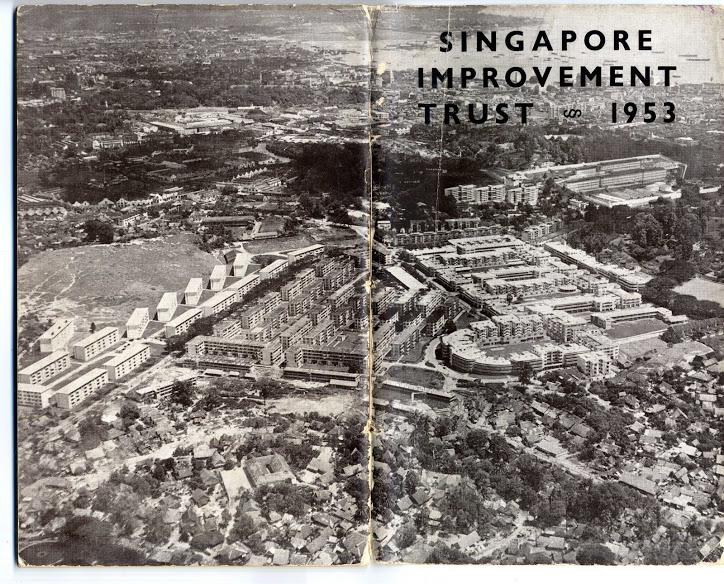
I organized HDB blocks by 8 eras: 1927-1960 SIT era, 1961-1981 HDB classic era, 1980-1991 HDB classic era, 1991-1998 centralized refuse chute, 1997-2006 household shelter, 2004-present, 2015-present, 2024-present
Contains: type completed, demolished, under construction, classic shows blocks built from 1961 to 1991, 19 show blocks built from 1930s to 2005, 20 show blocks built after 1997.
Completion year
Numerical range: type minimum and maximum to shows blocks completed in specific range (blocks under construction won’t show).
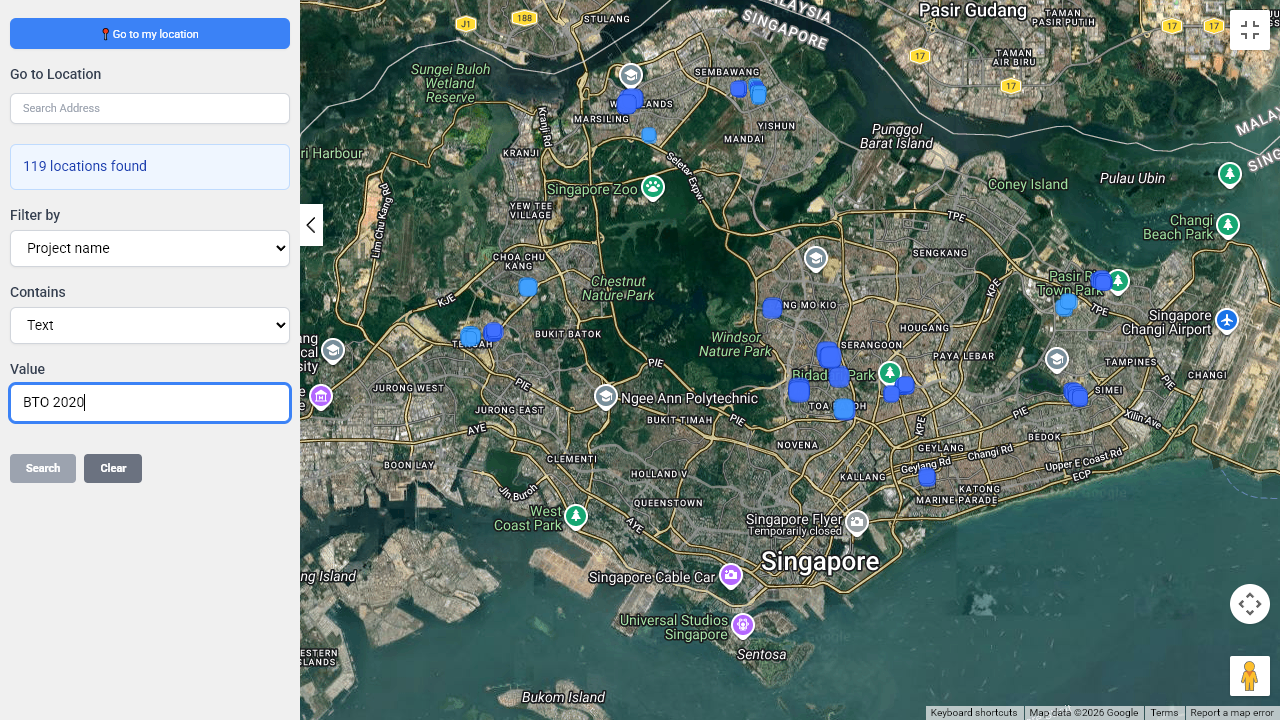
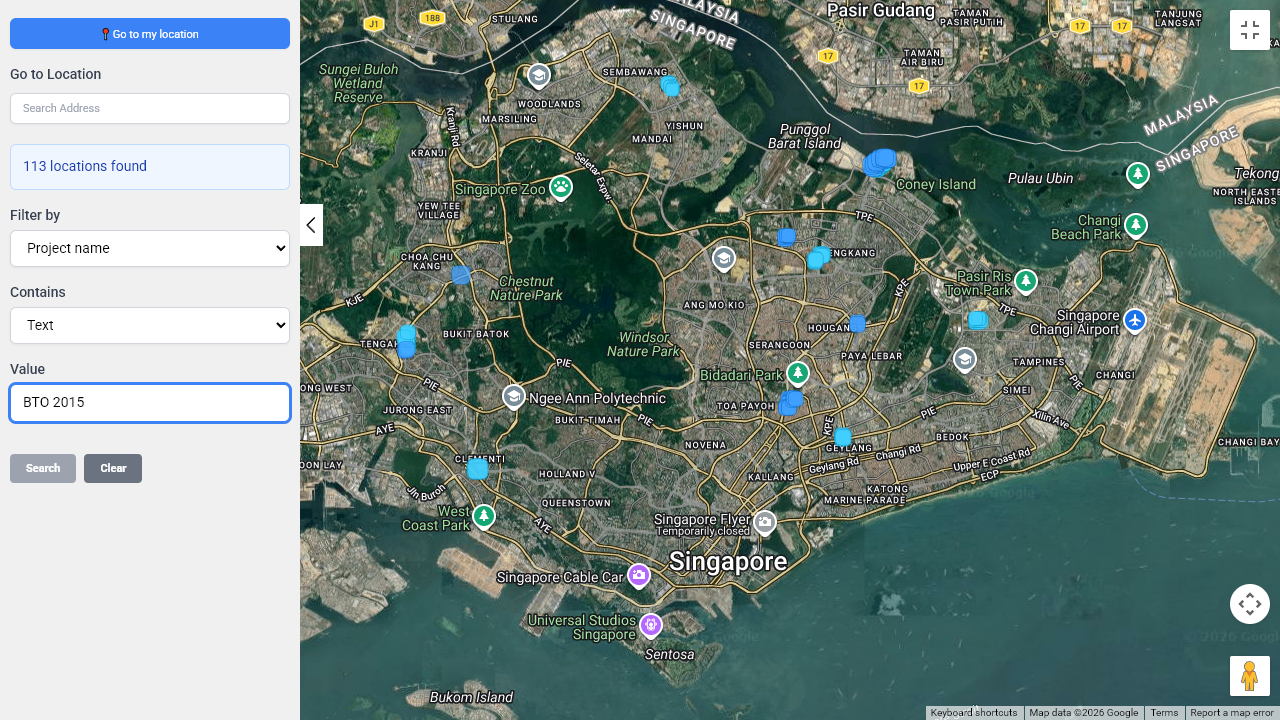
Project name
Contains: “BTO 2015” or “SERS 2003” to see projects sold via specific scheme in a specific year, or type a specific project name to see only blocks belonging to it.
Possible floor plans
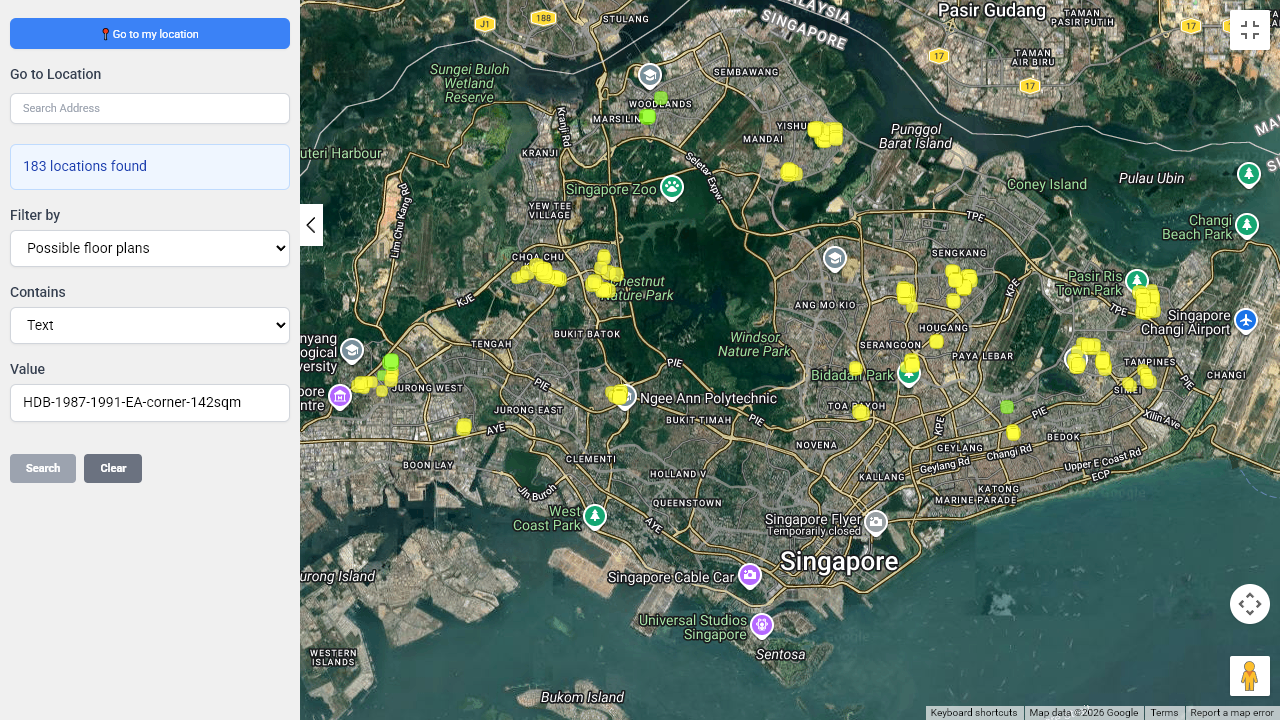
Contains: copy-paste URL of a floor plan to see in which blocks you can find similar floor plans.
Contains: “to be added” shows blocks without any floor plans, “found for” shows blocks that have floor plans but not for all flat types (you can contribute by sending me floor plans).
I can guarantee 100% accuracy for block numbers, street addresses, unit numbers, lease years, number of units breakdown by flat type, etc. Sources of each information is indicated HERE.
I cannot guarantee accuracy for floor plans, they being added from my personal research, so I need your help, please report wrong floor plans!
Thanks for the information!
I find the filtering options fascinating! How do you think these tools impact a buyer’s decision-making process in such a dynamic market?